Digital reality plug-ins for your preferred CAD systems
Leica CloudWorx
Compatibility
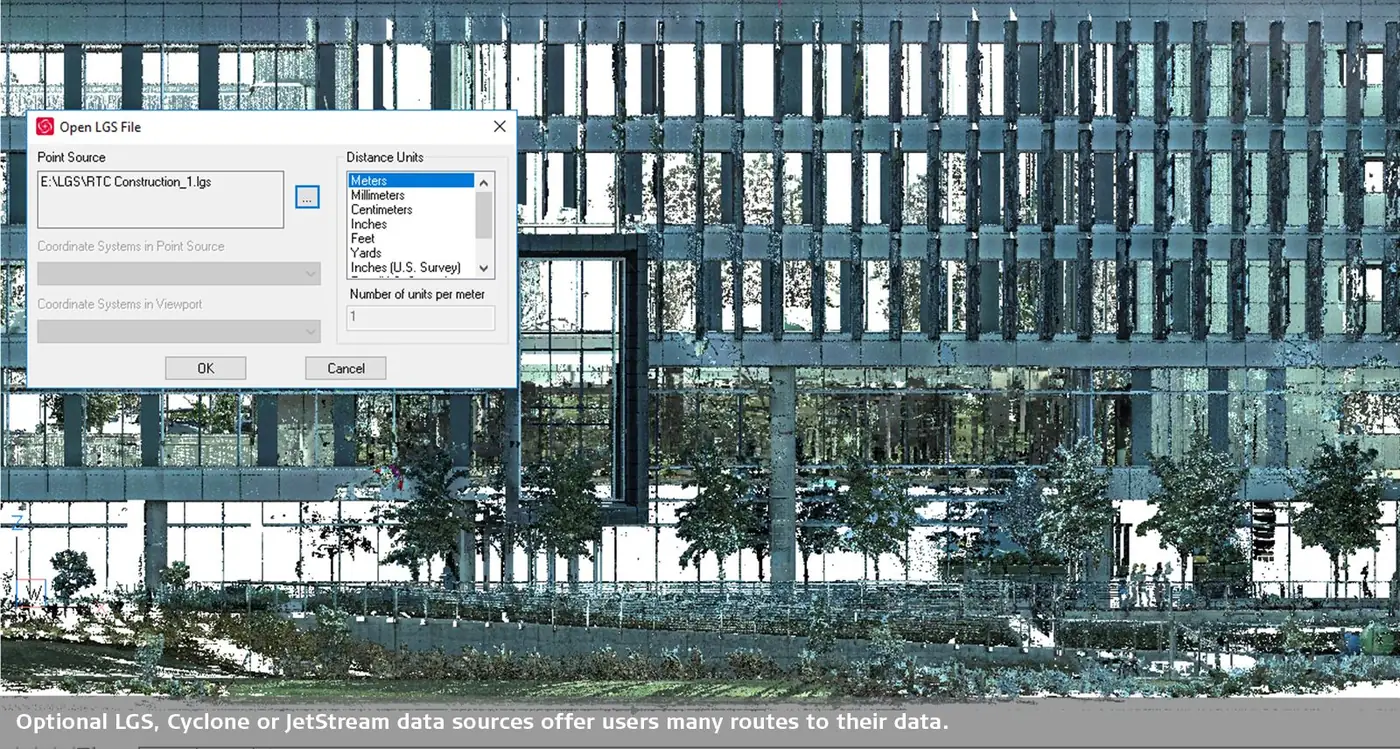
Leica CloudWorx for BricsCAD lets users work directly with point clouds from Leica Cyclone and Leica JetStream in BricsCAD. It boosts productivity by integrating point clouds seamlessly into the CAD workflow.
Leica CloudWorx
For which customers?
Leica laser scanner users who work with point clouds from Cyclone and JetStream directly in BricsCAD – including plant engineering.
- Leica point clouds in CAD
- Piping & steel structures
- Inspection reports (ASTM)
Leica CloudWorx
Highlights
Automatic linework
Automatic linework in Leica CloudWorx for BricsCAD (also known as Auto-Fit Linework) automatically generates precise lines or polylines from point cloud data. Using one-point or two-point algorithms (1-point or 2-point polyline), lines can be fitted directly to surfaces and structures.
Leica CloudWorx
Features
Integrated reports to ASTM standards
The integrated floor flatness/levelness reports to ASTM standards in CloudWorx for BricsCAD make it easy to evaluate point cloud data for floor surfaces. A standardised, user-friendly workflow for analysis and reporting in line with ASTM E1155 – including ready-to-use PDF reports.
Steel and piping catalogues
CloudWorx for BricsCAD offers powerful steel and piping catalogues for automatically selecting and inserting standard-compliant components directly from point clouds. Fit analysis and country-specific catalogue options let you place matching components in minutes instead of hours – for precise, efficient work.
Auto linework assist
With Auto Linework Assist in CloudWorx for BricsCAD, polylines or line strings are generated automatically from visible point clouds – with just one or a few clicks. This smart function detects the direction from the displayed point cloud and creates precise geometry that can be edited or modelled further right away.
Cross-selling for your customers
Works well with Leica CloudWorx
 BricsCADAny customer working DWG-based in 2D and 3D – from design offices to mechanical engineering. Ideal for users switching from AutoCAD®.CAD platform →
 morphcadSurveyors, architects and planners working on existing buildings who create precise 3D models from point clouds in BricsCAD.Add-on →
 CADprofiHVAC, plumbing, electrical, architectural and mechanical engineers – with ready-made symbol and manufacturer libraries.Add-on →
 Spatial ManagerPlanners, municipalities and utilities who import geodata into their CAD, transform it and export it again.Add-on →